
Order Types in Trading: 10 You Must Know (Limit, Stop, OCO, More)
The complete toolkit — from the humble market order to institutional icebergs. Ten order types, ten chart diagrams, and the common mistakes that blow up retail accounts.
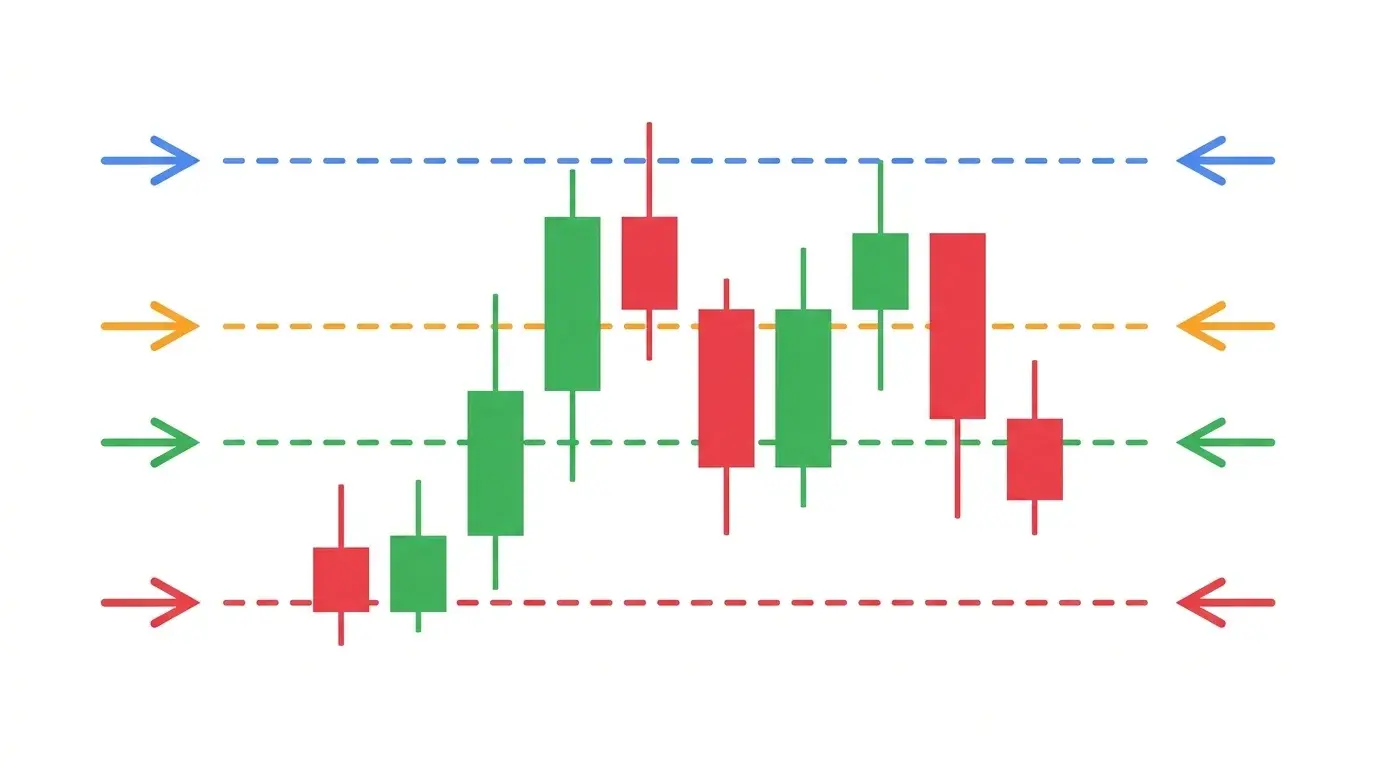
Most retail traders know exactly two order types: the green BUY button and the red SELL button. They click one, price does something, and they click the other. That is fine for a paper-trading account, but it is a brutally limiting toolkit for anyone who wants to survive a live book through NFP, FOMC, or a geopolitical gap. The order type you use is not a trivial UI choice — it is the difference between a controlled 12-pip loss and an uncontrolled 180-pip liquidation.
This guide walks through the ten order types that genuinely matter. Each has its own mechanic, its own ideal use case, and a specific failure mode that catches out traders who use it in the wrong regime. Master these and you stop fighting your execution; you start using it as an edge. For the context on where these orders actually fire — which news event moves which pair — our AI News Impact dashboard is the daily companion.
Key Takeaways
- →Market orders guarantee a fill, not a price. Limit orders guarantee a price, not a fill. Every other order type is a variation on this tradeoff.
- →Stop-limit orders protect you from slippage but carry gap risk — in a fast market your stop can skip right through the limit and leave you with no fill.
- →OCO and bracket orders are non-negotiable for any unattended trade — they lock in your risk and target without needing you at the screen.
- →Trailing stops are for trends, not ranges. Use them when structure is breaking in one direction; avoid them in chop.
- →GTC and market-on-close orders are the quiet professional tools — long-duration resting bids and disciplined end-of-session exits that retail traders rarely use.
1. Market Order — Immediate Fill at Current Price
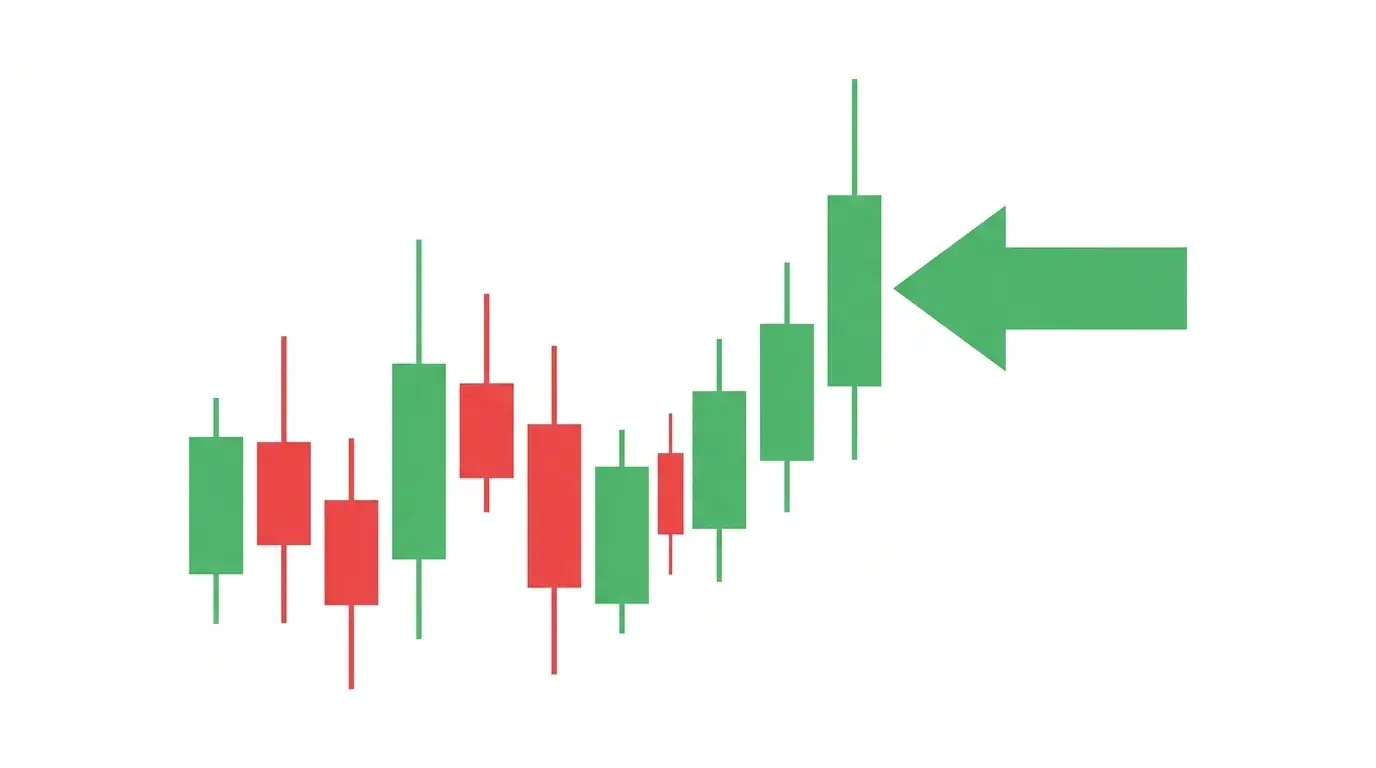
The market order is the simplest instruction in trading: fill me now, at whatever price is available. It consumes liquidity directly from the top of the order book — the best bid if you are selling, the best ask if you are buying — and keeps walking the book until your size is filled. In a deep, liquid market during London or New York hours, you will usually get a clean fill within a tick of where you saw price when you clicked.
When to use it: When you need to be in or out right now and price certainty is secondary — chasing a breakout, hitting a stop manually, exiting on a news headline. When NOT to use it: During the first seconds after NFP, FOMC, or a CPI release, when the book is thin and you can slip 5-20 pips on a major pair. The common mistake: firing a market order in a low-liquidity instrument like an exotic FX cross or a pre-market index contract, where the next quote sits several percent away from the last print. Always check the spread before you click.
2. Limit Order — Resting Order at a Better Price
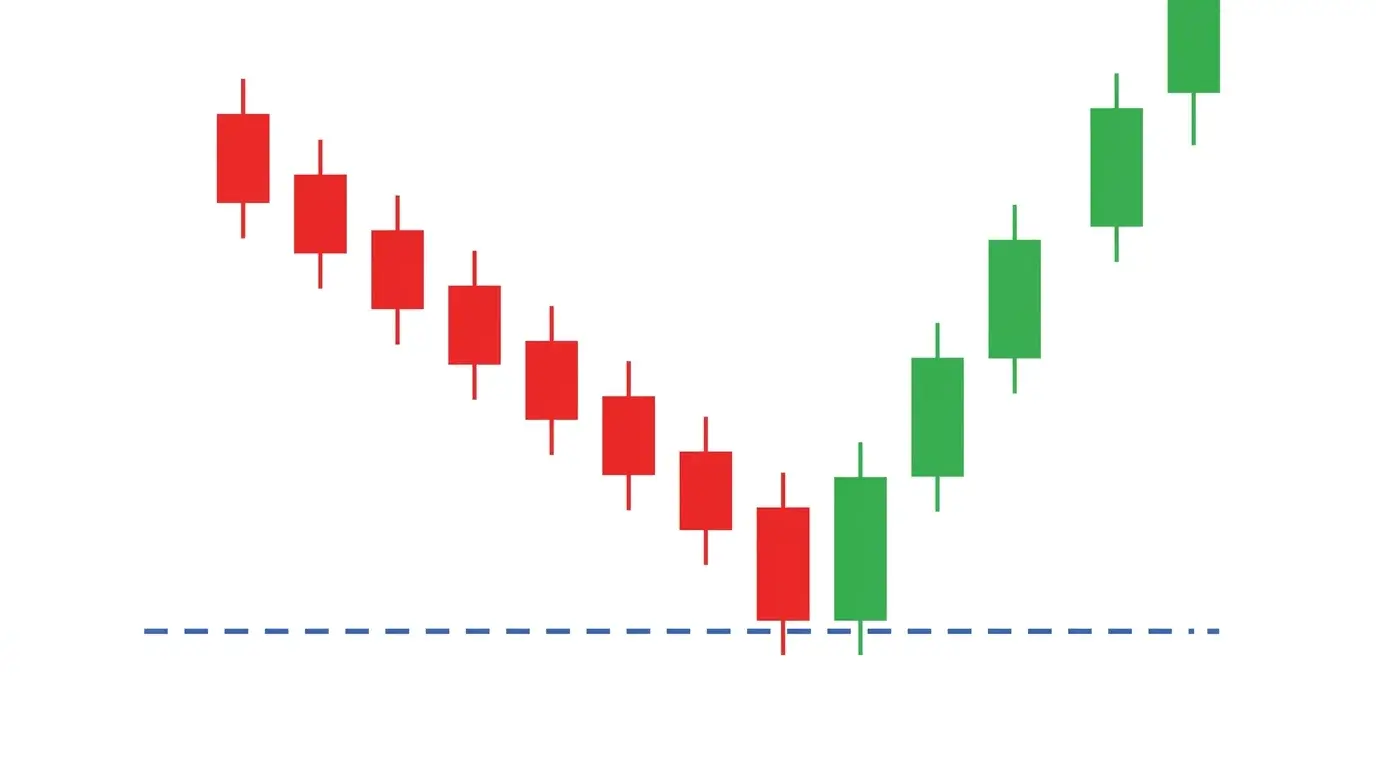
A limit order is an instruction to buy at or below a specified price, or sell at or above one. It does not execute immediately; instead, it rests in the order book as passive liquidity and waits for the market to come to it. A buy limit sits below current price, a sell limit sits above. When price ticks through your level, the order fills at your limit or better. If price never gets there, the order never fills — full stop.
When to use it: Whenever you have a specific level in mind and you are willing to miss the trade rather than pay up for it — pullback entries into structure, profit targets at resistance, or patient accumulation into a demand zone. When NOT to use it: When a headline is breaking and you need to act now; a limit can sit untouched while price runs. The common mistake: expecting a limit to fill during a fast-market spike. If a CPI miss rips EUR/USD 60 pips in 15 seconds, your limit two pips above current price may be skipped entirely as the book prints through your level without stopping. Limits work best in liquid, orderly tape.
3. Stop Order — Triggered Market Order for Protection
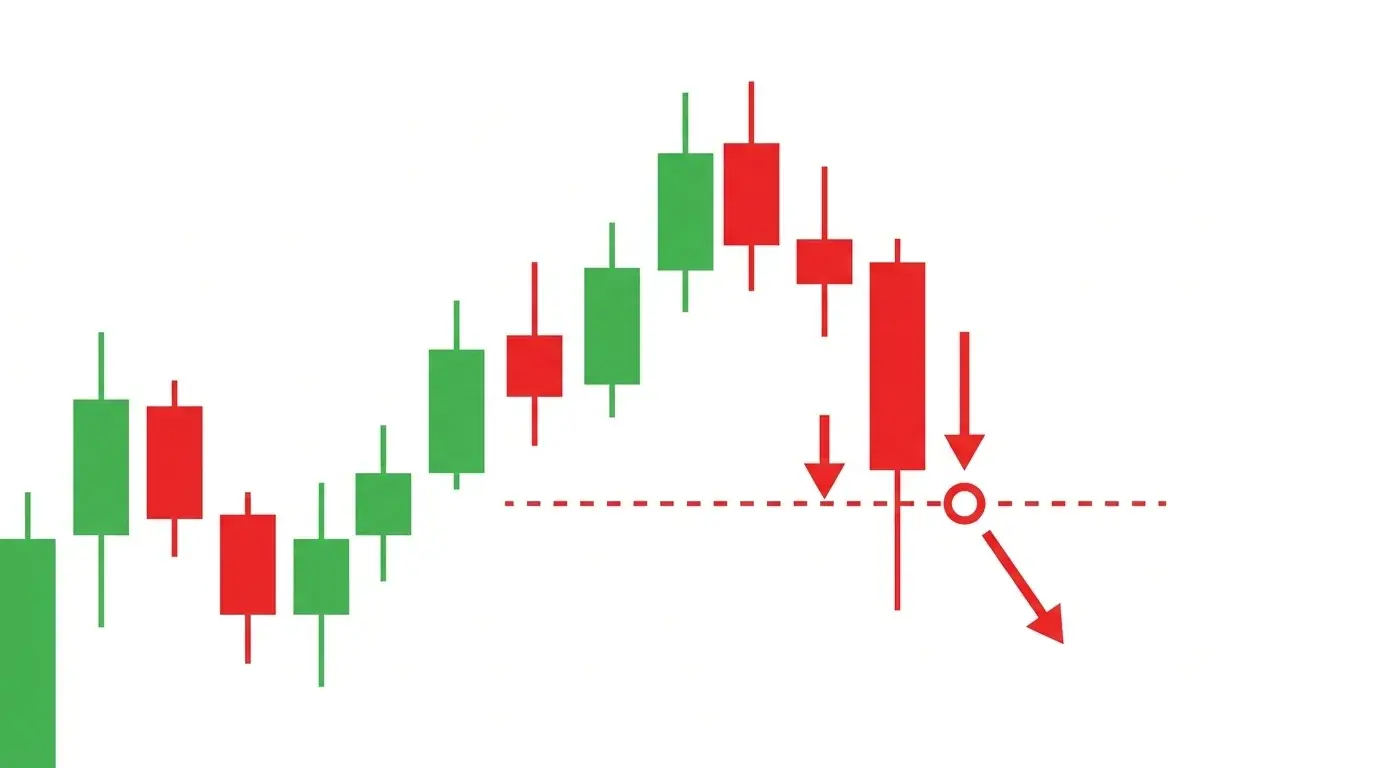
A stop order is a market order that sits dormant until price trades at or beyond a trigger level, at which point it fires as a market execution. Sell-stops sit below current price to cut losing longs; buy-stops sit above to cut losing shorts or to chase breakouts. The key mechanic to understand is that a stop guarantees you get out — not that you get out at the stop price. Once triggered, it behaves exactly like a market order and will take whatever fill the book offers.
When to use it: On every single trade you place, unless you are actively watching the screen. Stops are the single most important survival tool in trading. Also useful as a breakout entry — a buy-stop above range resistance triggers only if price actually breaks. When NOT to use it: Placing stops inside obvious liquidity pools (just under a recent swing low, for example) guarantees they get swept by larger players. The common mistake: assuming a stop will fill at the trigger price. In a gap open or fast market, the fill can be 5, 10, or 100 pips worse — especially on weekend forex gaps. For more detail on placement, see our guide on stop loss placement methods.
4. Stop-Limit Order — Stop That Converts to a Limit
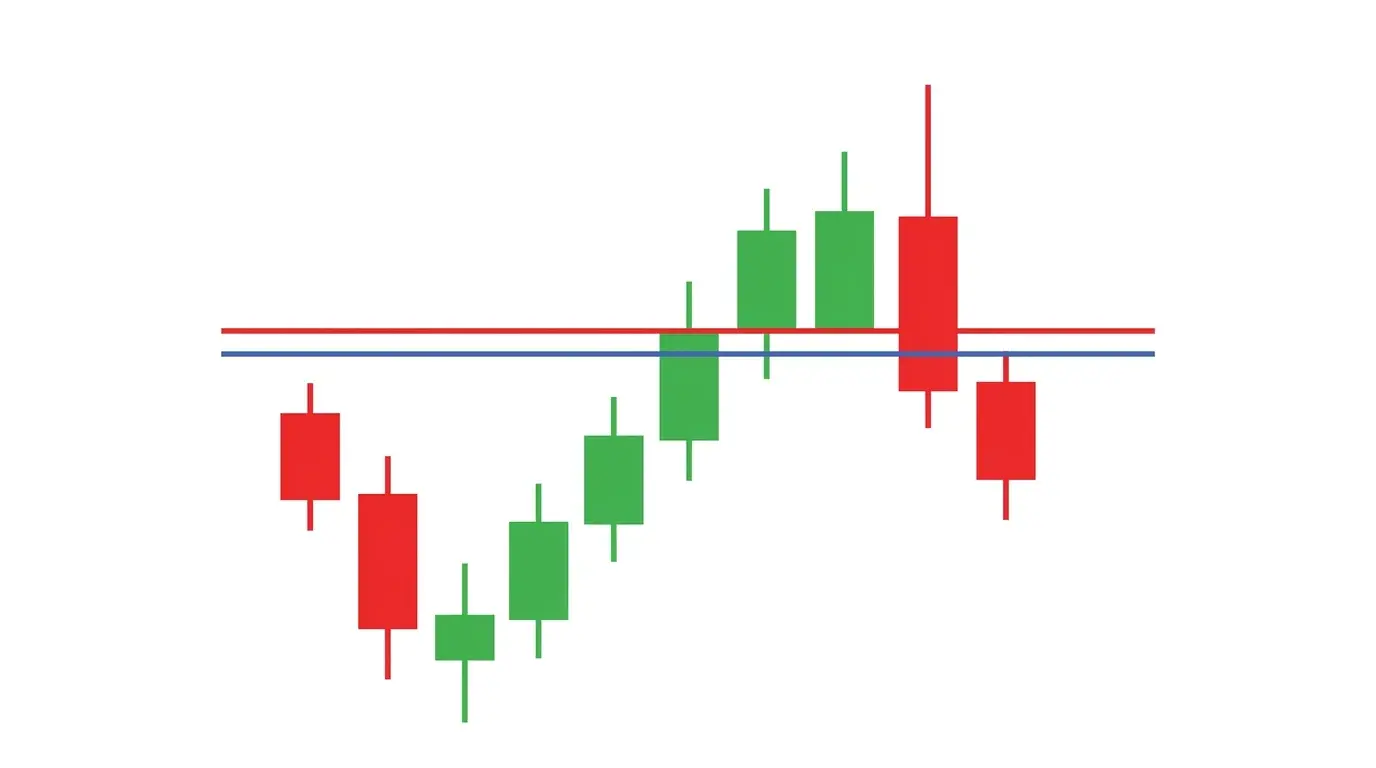
A stop-limit combines the two previous order types. You specify a stop price that triggers the order, and a separate limit price that defines the worst fill you will accept. Once price trades through the stop, the order is released as a limit order at the specified limit level. If the book has liquidity inside your band, you get filled; if price has already skipped past your limit, the order sits as working until it fills or you cancel.
When to use it: In liquid markets where you want stop protection without uncontrolled slippage — breakout entries on majors, exits on large single-stock positions, anywhere you genuinely cannot accept a runaway fill. When NOT to use it: As a primary stop-loss on volatile instruments or around major news. The common mistake: using stop-limit as your only protective stop. In a flash crash or news spike, the stop triggers, price gaps through your limit, and you are left with an unfilled order while the position bleeds. Stop-limit is for precision, not for disaster protection — and the gap risk is real.
5. OCO (One Cancels Other) — Two Orders, One Wins
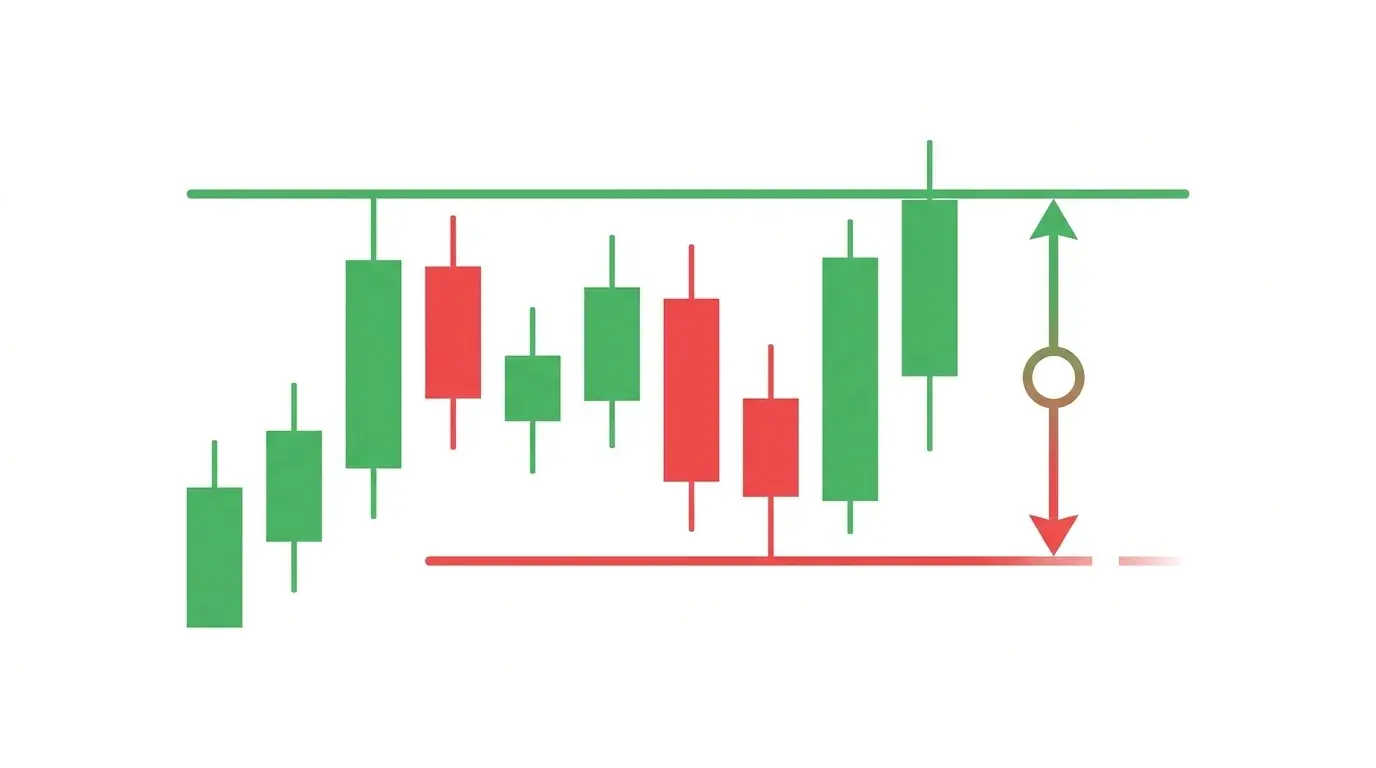
OCO stands for one-cancels-other. It is a pair of linked working orders where executing either side automatically cancels the other. The classic use is a take-profit limit above price paired with a stop-loss below price on an open long — whichever fills first closes the trade and retires the other. OCO can also bracket a range breakout with a buy-stop above resistance and a sell-stop below support, so whichever side breaks is the direction you trade.
When to use it: On every unattended position. If you are going to sleep or stepping away from the desk, OCO ensures both your risk and your target are managed without needing you at the screen. Also excellent for range-break setups where you are willing to trade either direction. When NOT to use it: Platforms with flaky OCO implementations where one side can sometimes fail to cancel — always verify your broker handles OCO atomically. The common mistake: placing an OCO and then manually modifying one leg without removing the other, leaving you with a floating unpaired order that can re-enter a position you thought you had closed.
6. Bracket Order — Entry + Stop + Target Bundled
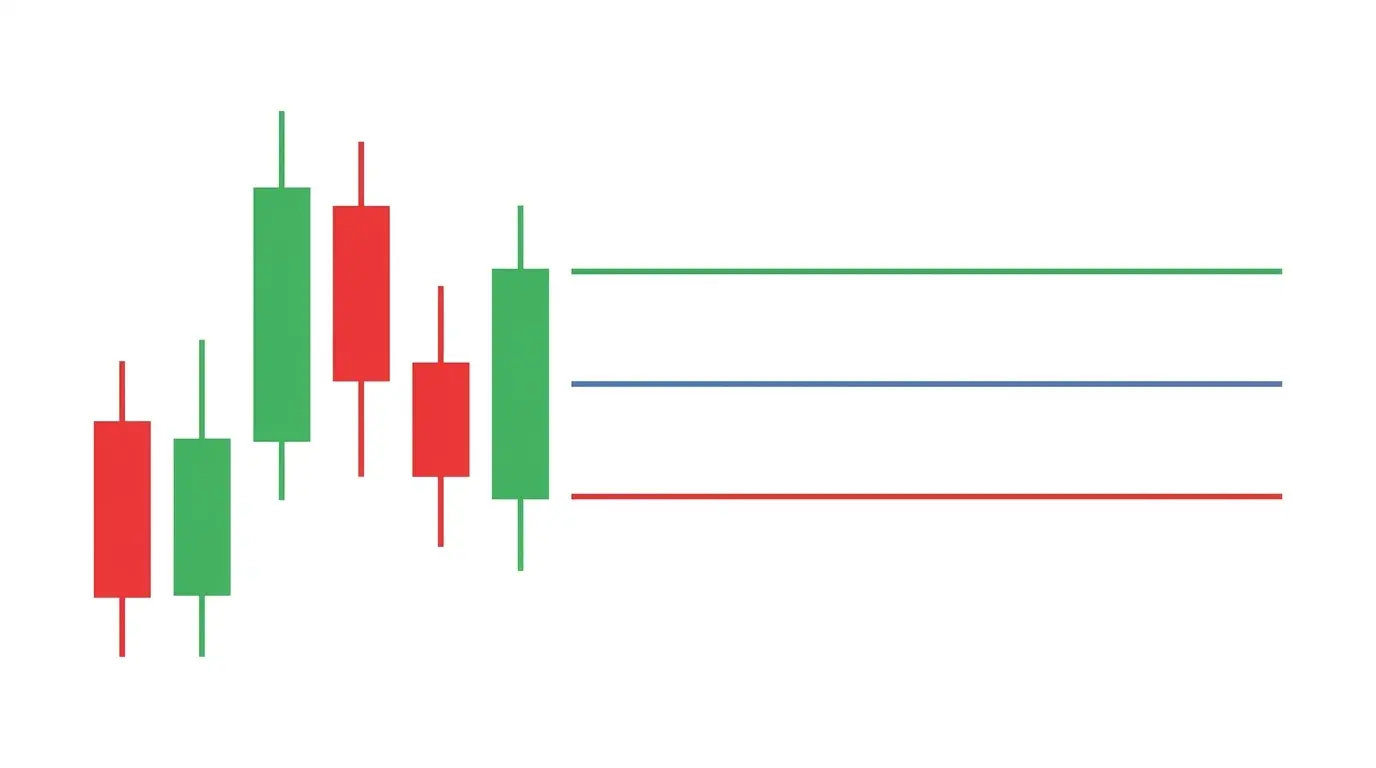
A bracket order is a three-part combo: an entry order (market or limit) that, once filled, automatically attaches a stop-loss and a take-profit to the resulting position. It is the institutional-grade version of OCO — the two exit legs are created only after you are actually filled, so you never have orphan orders working against nothing. Most serious trading platforms — NinjaTrader, TradeStation, cTrader — support brackets natively; many retail MT4/MT5 setups fake them with scripts.
When to use it: Any systematic setup where entry, stop, and target are predefined — swing trades on structure, fixed risk/reward scalps, mechanical breakout systems. The workflow enforces discipline: you cannot enter without deciding your risk and target in advance. When NOT to use it: Discretionary trades where you plan to let structure dictate the exit dynamically. The common mistake: using default bracket settings (fixed ticks or pips) instead of setting stops and targets based on actual market structure — ATR, swing levels, liquidity pools. Our write-up on risk-reward ratio examples covers how to size brackets properly.
7. Trailing Stop — Stop That Moves With Price
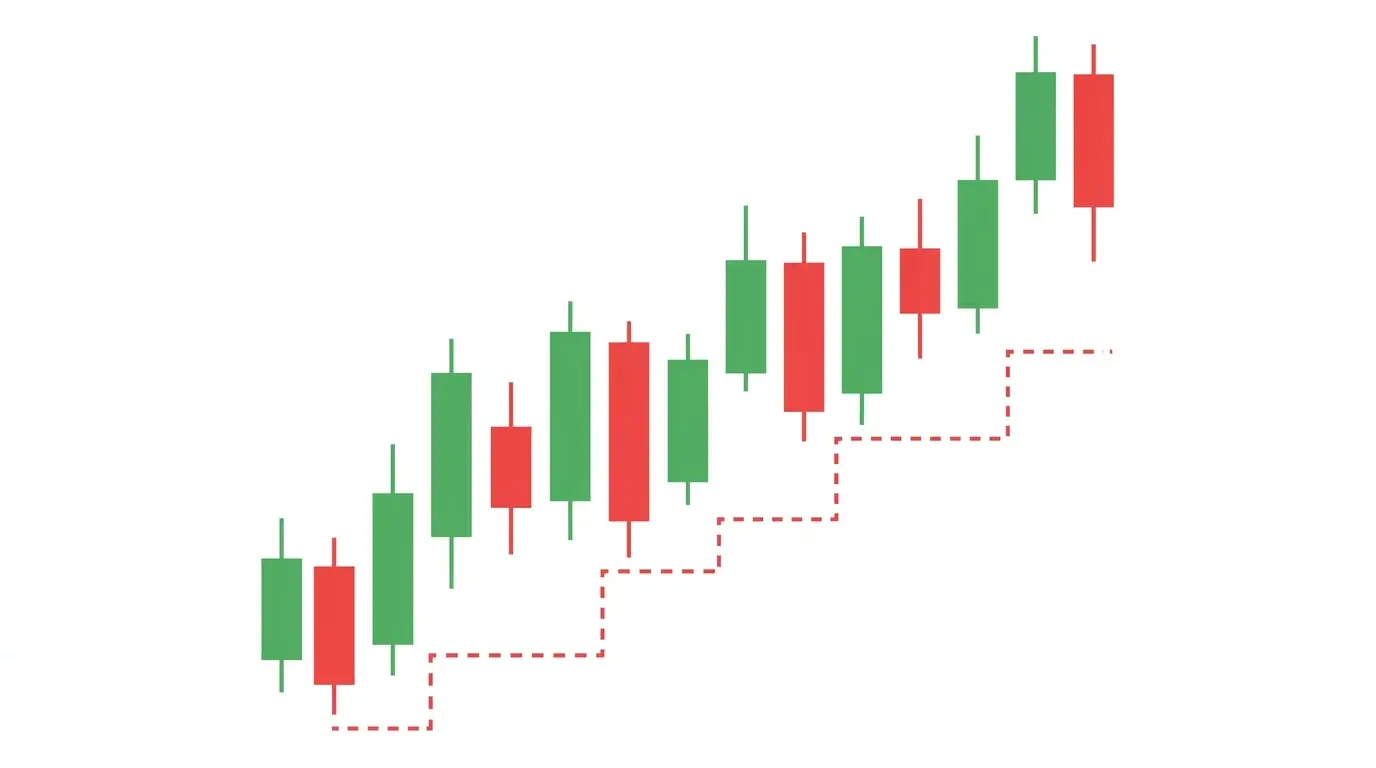
A trailing stop is a dynamic stop-loss that follows price in the profitable direction while staying fixed when price moves against you. You set a trailing distance — 30 pips, 1%, 2 ATR — and as price rallies, the stop ratchets up in lockstep, always maintaining that buffer. The moment price reverses and touches the trail, it triggers a market exit, locking in whatever profit had accumulated up to that point. It is the easiest way to let a winner run without babysitting the chart.
When to use it: In confirmed trending conditions where you expect extended directional movement — post-breakout trend days, runaway momentum on a news driver, or once a swing trade has cleared key resistance. When NOT to use it: In ranges and chop, where normal pullbacks will touch the trail and eject you right before the next leg resumes. The common mistake: setting the trail too tight. A 15-pip trail on GBP/JPY is closer than a single candle of normal intraday noise — you will get stopped out on random wicks and watch price continue in your original direction without you. Size the trail to the instrument, not to your comfort level.
8. Iceberg Order — Hiding Institutional Size
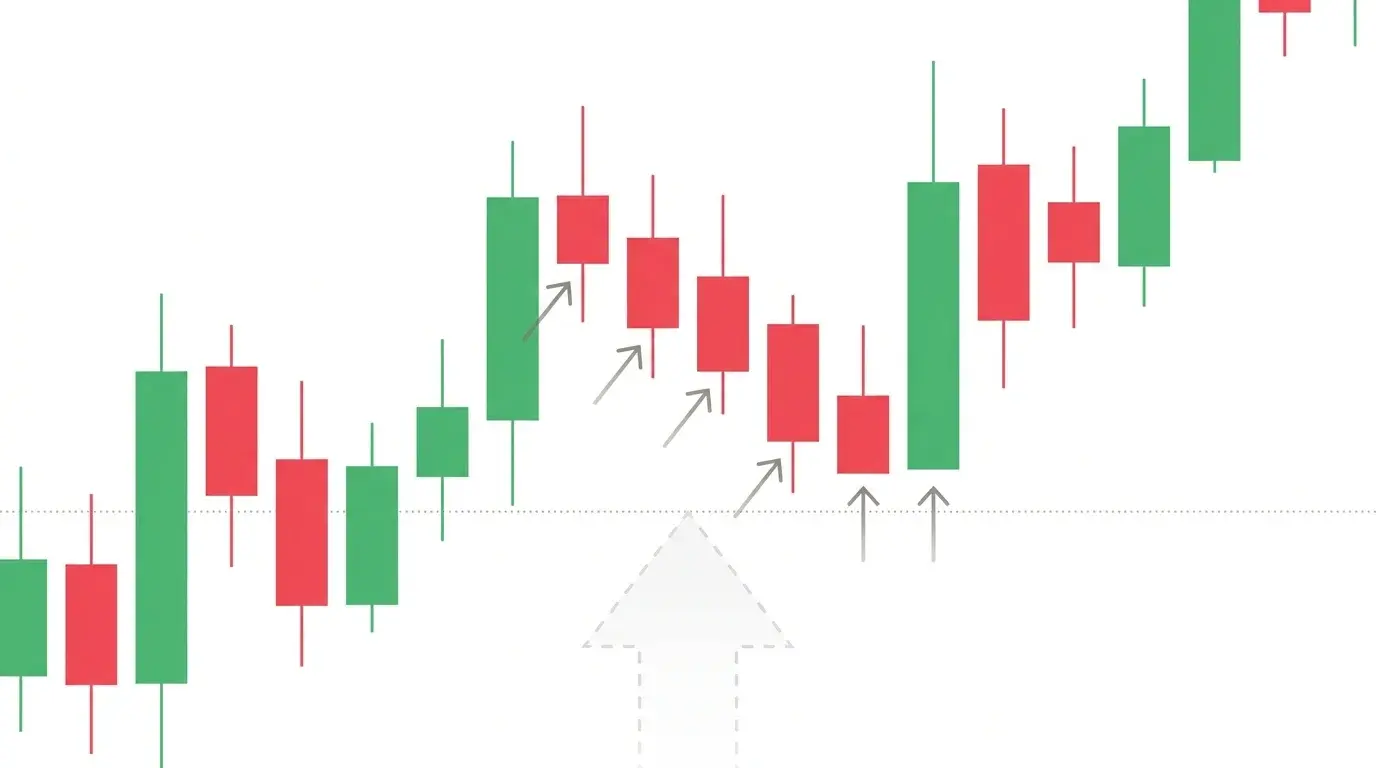
An iceberg order hides most of its size from the public order book. The trader specifies a total quantity and a visible tip — say, 500,000 shares total with a 10,000-share visible slice. As the visible slice fills, the platform automatically replenishes it from the hidden reserve until the entire order is executed. The purpose is pure market impact control: institutions accumulating a position do not want retail algorithms and front-runners to see a massive resting block and jump in front of it.
When to use it: When you genuinely need to move size that exceeds the visible depth of the book without telegraphing your hand — rarely relevant to retail traders, but essential for prop desks, fund managers, and anyone executing on an illiquid instrument. When NOT to use it: On orders small enough to fit inside normal book depth — the added complexity is pointless overhead. The common mistake: assuming iceberg orders are invisible. Sophisticated tape readers can often detect icebergs by watching the same level refill at the same size multiple times, and modern exchange venue data sometimes flags iceberg fills after the fact. They reduce impact; they do not eliminate it.
9. Good-Till-Cancelled (GTC) — Long-Duration Resting Orders
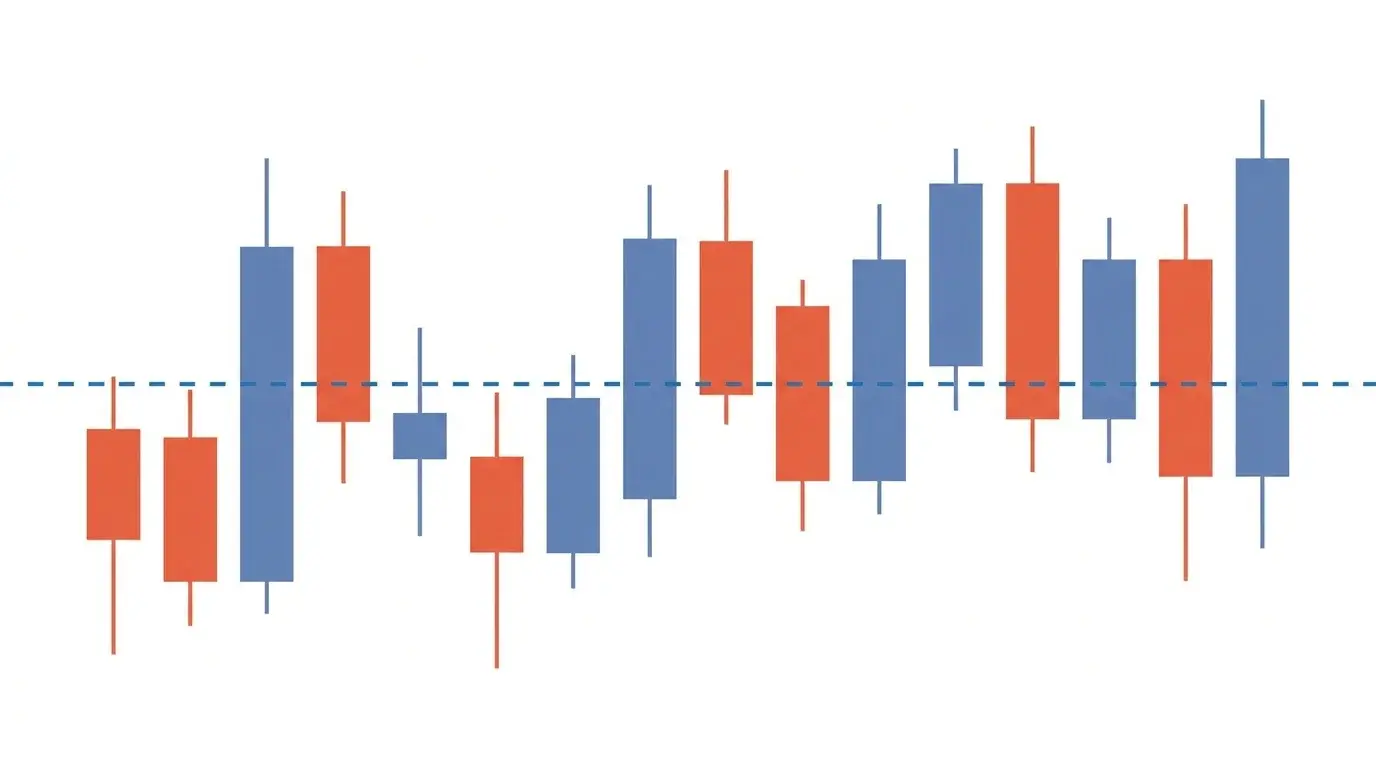
Good-Till-Cancelled is a time-in-force flag, not an order type on its own. Attached to a limit or stop order, it means the order stays working until it either fills or the trader manually cancels it — typically up to a broker-imposed ceiling of 60 or 90 days. The alternative is Day (expires at session close) or Good-Till-Date (expires on a specific date). GTC is the quiet professional tool: a patient bid at a meaningful technical level that you do not want to re-enter manually every morning.
When to use it: Long-horizon limit orders at structural levels — buying a key weekly support, selling a multi-month resistance, accumulating a stock at a valuation target. Also for systematic scale-in strategies where you place a ladder of limits and let the market work into them over time. When NOT to use it: Around earnings, central bank meetings, or geopolitical events that can redefine the meaning of the level overnight — a GTC bid at pre-war support is not the same trade after the war starts. The common mistake: forgetting about GTC orders. Stale bids from weeks ago fill at the worst possible moment in completely changed conditions. Audit your working orders weekly.
10. Market-on-Close (MOC) — Session-Close Execution
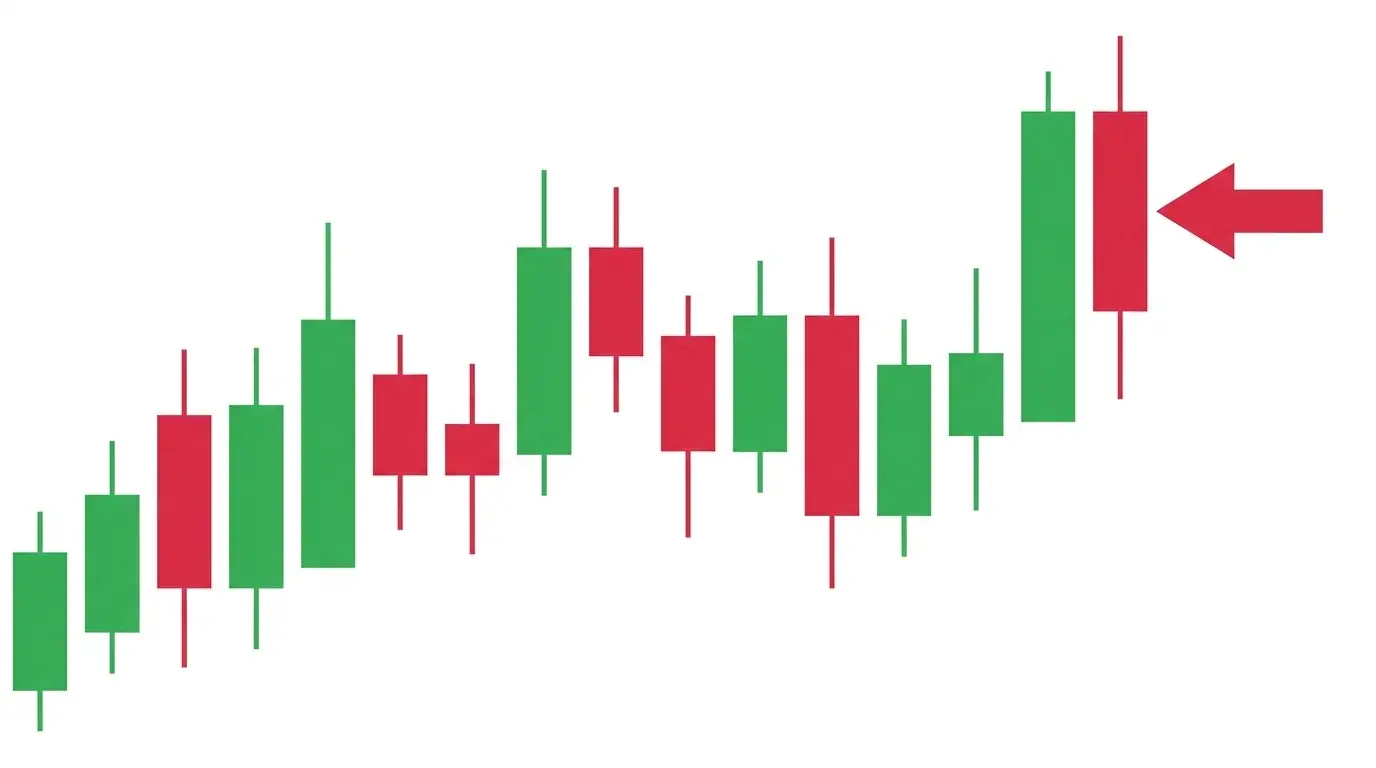
A market-on-close order executes as a market order in the final seconds of the regular session, participating directly in the closing auction. On equity exchanges, the closing auction is one of the most liquid moments of the day — index rebalances, ETF creations, and passive flows all concentrate there. MOC lets you tap that liquidity without trying to time it manually. Most venues require MOC submissions well before the close (NYSE needs them by 3:50 PM ET for a 4:00 PM close, for example).
When to use it: When you need end-of-day pricing for accounting, fund NAV, or index tracking; when you are executing systematic daily strategies with close-to-close signals; or when you want to participate in the deep liquidity of a major rebalance day. When NOT to use it: In illiquid securities or on low-volume days where the auction itself is thin and slippage into the close is worse, not better. The common mistake: submitting an MOC for too much size relative to the closing auction volume — you can literally move the close against yourself if your order is larger than the imbalance the auction was going to clear. Check average closing volume before sizing up.
ChartSnipe Pricing
- Free: 2 chart analyses per month + unlimited Trading Quiz
- Pro ($20/month): 120 analyses + Daily News Impact Analysis (BTC, FX, gold, indices)
- Premium ($50/month): 600 analyses + all features including Liquidity Snipe mode
See full pricing on the pricing page.
Frequently Asked Questions
What is the difference between a market order and a limit order?
A market order executes immediately at the best available price — you sacrifice price certainty for speed. A limit order only fills at your chosen price or better — you sacrifice certainty of execution for price control. Market orders guarantee a fill; limit orders guarantee a price, not a fill.
What is a stop-limit order and why do traders use it?
A stop-limit order is a stop order that, once triggered, converts into a limit order rather than a market order. Traders use it to avoid catastrophic slippage in fast markets, at the cost of accepting that the order may never fill if price gaps past the limit. It is best suited to liquid markets with predictable spreads.
What does OCO stand for in trading?
OCO stands for one-cancels-other. It is a pair of working orders where filling one automatically cancels the other. Traders use it to set a take-profit and a stop-loss at the same time without risking a double execution if price whipsaws.
Are trailing stops a good idea?
Trailing stops are excellent for locking in trend profits automatically, but they underperform in choppy, range-bound conditions because normal pullbacks hit the trail and exit the position prematurely. Use them for confirmed trends, not for mean-reversion setups.
What is an iceberg order?
An iceberg order breaks a large order into small visible pieces while keeping most of the size hidden in the order book. Institutions use icebergs to avoid tipping off the market when they need to accumulate or distribute size without moving price.
What does Good-Till-Cancelled (GTC) mean?
Good-Till-Cancelled means the order remains active in the order book until it either fills or the trader manually cancels it — often with a broker-imposed maximum of 60 or 90 days. GTC is the default for long-horizon limit orders placed at key levels a trader expects price to reach eventually.
The Bottom Line
Order types are not a trivia question. They are the mechanical interface between a trade idea and a realized P&L, and the wrong choice silently erodes edge on every fill. Master the ten above and you stop leaking money on slippage, stale limits, and whipsawed stops — you start executing the way the setup actually demands.
The news events that move these markets are the other half of the equation. See which releases are hitting your instruments today on the AI News Impact dashboard before you place another bracket.
Sources & Further Reading
- • Investopedia — Order Types Overview — definitions and worked examples for every standard order type.
- • SEC — Fast Answers: Order Types — regulator explainer on how different orders are handled in US markets.
- • NYSE Trading Information — closing auction and MOC submission deadlines.
- • CME Group — Order Types Education — futures-specific explanations of stop, limit, and bracket orders.
- • Interactive Brokers — Order Types — comprehensive reference covering advanced and conditional orders.
Related Articles
Stop Loss Placement Methods
The 10 stop loss placement methods real traders use — ATR, structural swing, order blocks, and more.
Risk-Reward Ratio Examples
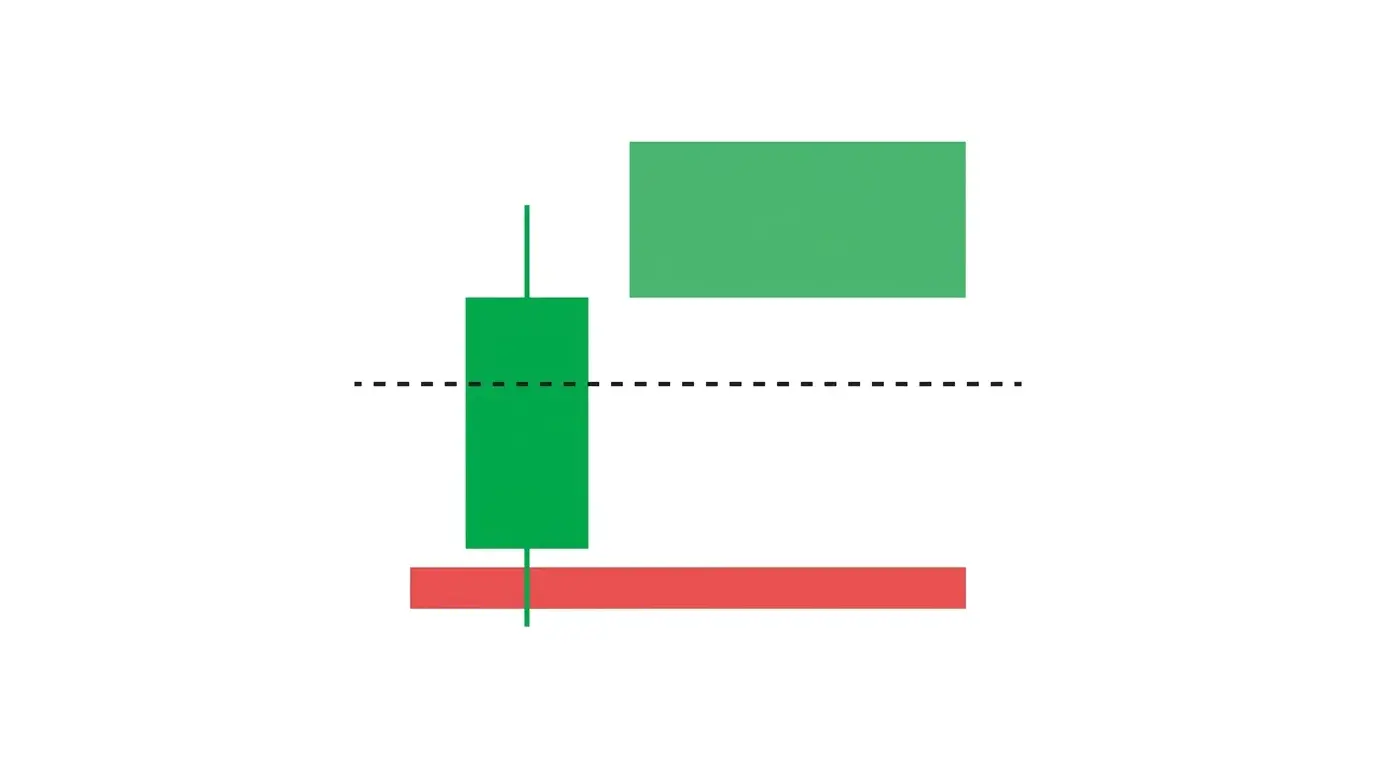
How to size brackets, stops, and targets so winners actually outweigh losers over hundreds of trades.
Technical Indicators Ranked
Twelve of the most-used indicators ranked honestly by the edge they actually deliver in 2026.

Written by the ChartSnipe Team
ChartSnipe is an AI-powered chart screenshot analysis tool and daily AI news impact analysis platform for forex, gold, Bitcoin, S&P 500, and Nasdaq traders. Our team combines deep experience in technical analysis, AI vision models, and live market data across 32+ instruments to deliver actionable trading insights.
Place smarter orders with daily news context
See which releases are hitting your instruments today before you place another bracket. AI-ranked across 32 instruments.
Open News Impact Dashboard